1
Sign in
Open app.rabbithole.gg and sign in with your email or Google account. Your account is what ties your wallets, tier, raffle entries, and referral link together.
2
Link a wallet
Connect the wallet you want to deposit from. Deposits, receipt tokens, and claimed rewards all land in this wallet. You can connect an existing wallet or create one during sign-in.
3
Connect X
Connecting your X account puts your handle on the leaderboard instead of a truncated address and is one of the steps toward a verified account.
4
Make a first deposit
Pick a campaign under Hold to Earn, open it, and deposit. Rewards start accruing as soon as the deposit confirms. See Hold to Earn for the full walkthrough.
Verified Account
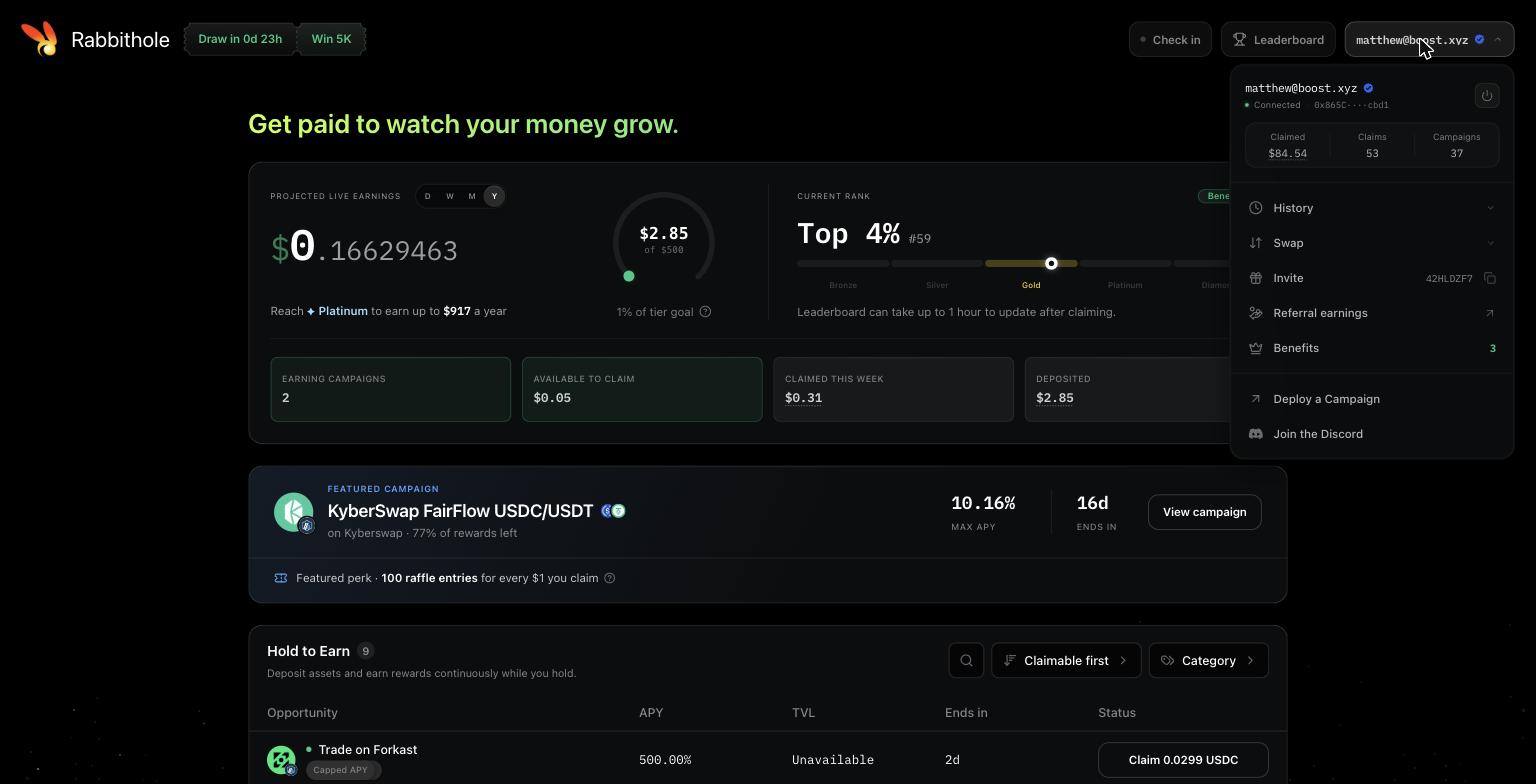
Accounts that link a wallet, connect X, and claim their first rewards get the Verified account badge. The badge shows next to your name on the leaderboard. Verification is about proving there is a person behind the address. It does not change your rewards, but some perks, like allowlisted or capacity-limited campaigns, may be reserved for verified accounts.The Profile Menu
Your account menu in the top right holds everything that is not a campaign: